
Table of Contents
- Step 1: Check Online Reviews and Ratings
- Step 2: Get a Written Estimate Before Any Work Begins
- Step 3: Verify Credentials and Technician Certification
- Step 4: Ask Around for Local Recommendations
- Step 5: Spot Common Computer Repair Scams
- Step 6: The Questions to Ask a Computer Repair Technician
- Step 7: Know the Average Cost of Computer Repair
- Step 8: Data Privacy During Device Repair
- Frequently Asked Questions
Last Updated: September 21, 2026
Step 1: Check Online Reviews and Ratings
Learning how to find honest tech repair starts with a simple habit: read the reviews before you call anyone, because honest tech repair begins with a shop that treats customers well. Online reviews are the fastest way to spot a shop that treats customers well and one that does not.
Here is what to check:
- Total number of reviews. Ten reviews tell you less than 200.
- How recent they are. A shop with no reviews in a year may be struggling.
- How the owner responds. A calm, helpful reply to a bad review says a lot.
- Specific praise. "Fixed my laptop in two hours" beats "great service."
Step 2: Get a Written Estimate Before Any Work Begins
The written estimate is your best protection against surprise bills. Ask for it before you hand over your device, not after.
Step 3: Verify Credentials and Technician Certification
Technician certification is not required by law in most places, but it still matters. It shows a shop invests in training and follows professional standards.
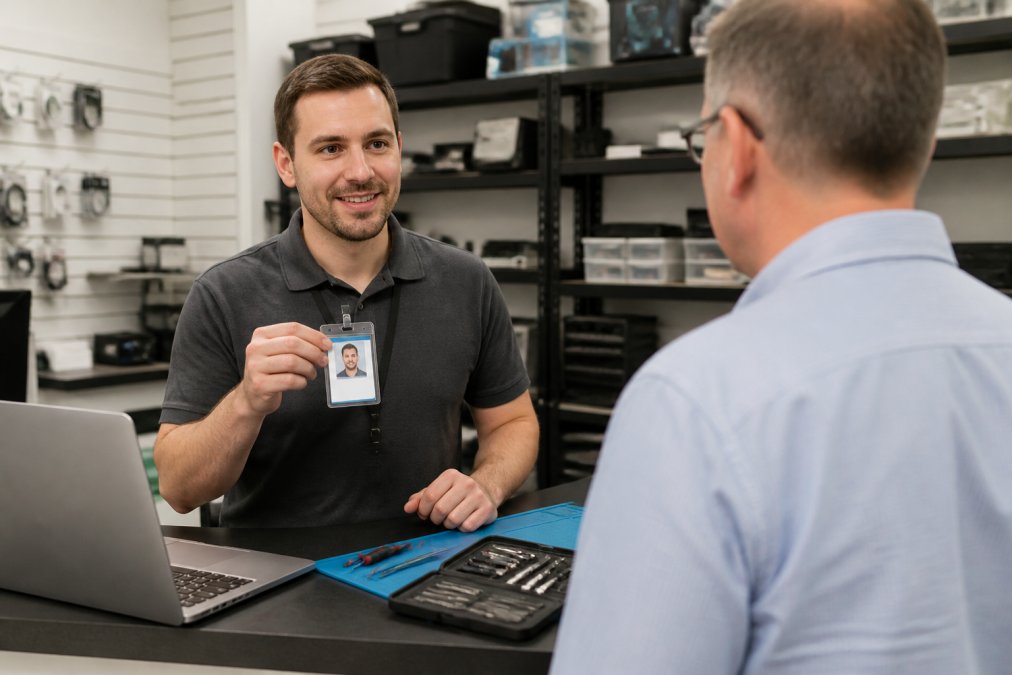
Ask two questions:
- What certifications does your staff hold?
- How long have they worked on devices like mine?
Step 4: Ask Around for Local Recommendations
Local recommendations still beat any review site. Ask neighbors, friends, and family who they trust with their devices.
Try these sources:
- Your local library or senior center
- A church or community group
- Your neighborhood Facebook group
- A trusted local business owner
Step 5: Spot Common Computer Repair Scams
Scam prevention comes down to spotting a few red flags. Most computer repair scams follow the same playbook.
Watch for these signs:
- Pressure to decide right now
- Cash-only payment requests
- No physical address or storefront
- Refusal to give a written estimate
- Claims your device is "beyond saving" with no proof
- Requests for remote access to your bank or email
Step 6: The Questions to Ask a Computer Repair Technician
The questions to ask a computer repair technician are your best filter, but only if you know what a good answer sounds like. Most guides hand you a list and stop there. This section gives you the questions, the answers that should raise or lower your confidence, and a way to run the whole check before you ever walk into the shop.
The core questions
Ask these before you hand over your device:
- What is your diagnostic fee, and does it apply to the repair if I approve the work?
- Can I get a written estimate before you start, itemizing parts and labor?
- What is your turnaround time, and what happens if it slips?
- Do you offer a service warranty on parts and labor, and for how long?
- Will you back up my data first, and where is that backup stored?
- Can you explain the problem in plain English?
- Will you return the old parts to me?
- What is your policy if the repair does not fix the problem?
What a good answer sounds like
A confident shop answers in specifics. "Diagnostic is $X, and it comes off the bill if you approve the repair. Turnaround is two to three business days, and we call you if it changes. Parts carry a 90-day warranty, labor carries 30." Numbers, timeframes, and conditions.
A shop that dodges gives you one of these:
- "We'll figure it out when we see it."
- "It depends" with no follow-up detail.
- "We don't do written estimates, but don't worry."
- A price that changes between the phone call and the counter.
Vet the shop before you visit
You can run most of this check by phone or email, which saves you a trip and gives you a paper trail. Send a short message with three questions: diagnostic fee, written estimate policy, and warranty terms. A shop that replies in writing with clear answers is already ahead of one that only wants to talk in person.
Use this remote checklist:
- Website: Does it list a physical address, a phone number, and a privacy or data-handling policy?
- Business registration: Can you find the business in your state's secretary of state business search? An unregistered "shop" operating out of a car is a red flag.
- Reviews: Do recent reviews mention the same technician by name and the same turnaround times the shop quotes you?
- Response time: How long did it take to get a written reply? Same-day is a good sign for a working shop.
- Consistency: Do the phone answer, the email reply, and the website all quote the same fees?
Validate the repair before you leave
This is the step almost nobody covers. Do not pay and walk out. Test the device at the counter:
- Boot it up in front of the technician and confirm it powers on and reaches the desktop or home screen.
- Test the specific fix. If it was a screen, check touch response across the whole panel. If it was a battery, confirm it charges and holds. If it was a keyboard, open a text field and type every key.
- Check the ports. Plug in a charger, a USB device, and headphones if the device has them.
- Confirm the parts. If you paid for an OEM or specific-brand part, ask to see the packaging or the part number on the invoice. This is how you avoid a bait-and-switch on hardware.
- Verify your data. Confirm your files, accounts, and settings are as you left them.
- Get the invoice with the part numbers, labor, warranty terms, and the technician's name.
Take a short video of the device working at the counter before you pay. It takes thirty seconds and gives you proof of condition at pickup if a dispute comes up later.
The follow-up window
Ask how long you have to report a problem with the repair. A shop that stands behind its work will give you a clear window, often 30 to 90 days on parts and a shorter period on labor. Put that date on your calendar. If something fails inside the window, contact the shop in writing and reference the invoice.
Step 7: Know the Average Cost of Computer Repair
The average cost of computer repair varies by what is wrong and where you go. Flat-rate pricing is easier to budget for than an open hourly rate.
Common repair types and what drives the price:
- Diagnostic fee: charged before any work starts
- Malware removal: usually a flat fee
- Hardware replacement: parts plus labor
- Data backup: sometimes included, sometimes extra
- Remote support: often cheaper than in-person
Step 8: Data Privacy During Device Repair
Data privacy during device repair is the step most people forget, and it is the one most guides skip entirely. Your device holds photos, passwords, tax documents, and saved logins. Handing it over without a plan puts all of that at risk.
Ask for the data-handling policy in writing
Before you drop off a device, ask the shop to send you its written data-handling policy by email. A real policy answers four questions:
- Who has physical access to devices in the queue, and is that area locked?
- How is data backed up before work begins, and where is that backup stored?
- When is data deleted after the device is returned, and is deletion documented?
- What happens if a device is lost or stolen while in the shop's possession?
Match the policy to the data you actually have
Different devices carry different legal weight. If your device holds protected health information, a shop that handles it may be acting as a business associate under HIPAA and can be required to sign a Business Associate Agreement (BAA). If you run a business and the device holds customer records, state breach-notification laws may apply if data is exposed.
Reduce what you hand over
You control most of the risk before the device ever leaves your hands:
- Back up your files yourself first. A local backup plus a cloud copy covers you if the drive fails during repair.
- Sign out of accounts you do not need the technician to access, especially email, banking, and password managers.
- Remove saved passwords from browsers and disable autofill.
- Enable full-disk encryption if it is not already on. On most modern phones and laptops it is on by default, but confirm it.
- Note your device's serial number and take a photo of the screen before handoff.
Never give a repair shop your account passwords unless the repair genuinely requires it. A screen replacement, battery swap, or charging-port fix almost never does. If a shop insists on your login for a hardware repair, ask why in writing.
Ask about old parts and data-bearing components
Storage drives, SIM cards, and some logic boards hold your data even after a repair. Ask two questions:
- Will you return the old part to me?
- If not, how is it destroyed or wiped?
Verify after the fact
When you get the device back, check that your accounts are still signed in only where you left them, that no new user profiles or admin accounts were created, and that your backup is intact. If anything looks wrong, change your passwords immediately and document what you found.
Frequently Asked Questions
What are the red flags of a dishonest computer repair shop?
Watch for shops that refuse to give a written estimate, pressure you into repairs you did not ask for, or claim your hard drive is failing without showing you proof. Other warning signs include no physical address, no service warranty, and technicians who want remote access to your device before you have agreed to anything. A shop that will not explain the diagnostic fee upfront is usually hiding something.
How can I protect my personal data during a tech repair?
Back up your files before handing over any device, then sign out of accounts and remove saved passwords where possible. Ask the shop to put confidentiality terms in writing, and request that they do not copy or transfer your data. For sensitive files, consider moving them to an external drive first. A repair shop that welcomes these questions is showing you they take data privacy during device repair seriously.
Should I choose a local repair shop or a big-box store?
Local shops often give you a named technician, faster turnaround time, and a direct phone number when something goes wrong after the repair. Big-box stores usually ship your device to a central depot, which adds days and makes follow-up harder. For urgent problems or ongoing support, a local provider who offers same-day service and a clear service warranty is usually the better fit.
What questions should I ask before leaving my computer for repair?
Ask for the diagnostic fee in writing, the estimated total cost, the expected turnaround time, and what happens if the repair does not fix the problem. Confirm whether they use new or refurbished hardware replacement parts and whether labor costs are flat-rate or hourly. Also ask about the service warranty and who to call if the issue returns. Getting answers to these questions before you hand over your device protects you from surprise charges.
Finding honest tech repair should not feel like a gamble. At TonyV's Tech Repair, we built our shop around plain answers and fair prices. Every job starts with a clear diagnosis and a written estimate, and we explain the fix in words that make sense. If your device needs help today, our emergency same-day repair gets you back up fast. Book a service with TonyV's Tech Repair and get working tech without the runaround.